Post-walk inspection, made calmer
A closer look for the tiny things hiding in fur.
TickLens turns your iPhone into a calmer close-checking tool for pets: compare live contrast filters, keep scan records, and use cautious on-device AI as a second pair of eyes.
How it works
From “something looks odd” to a structured check.
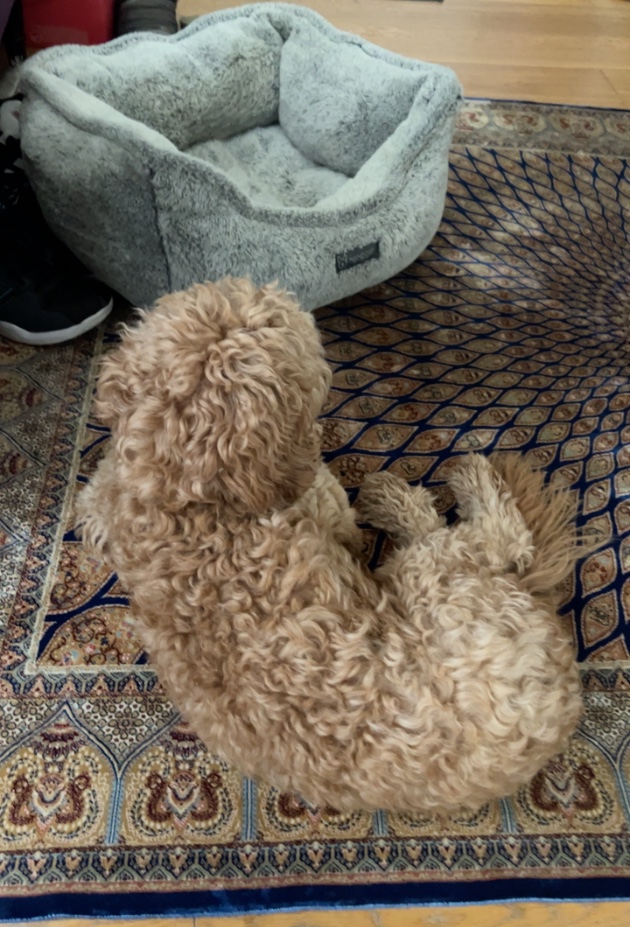
Real checks are rarely tidy: curly fur, blankets, lint, rug patterns, shadows, skin marks, tiny specks, and toy parts can confuse both people and models. TickLens is designed around comparison, not blind trust.
01
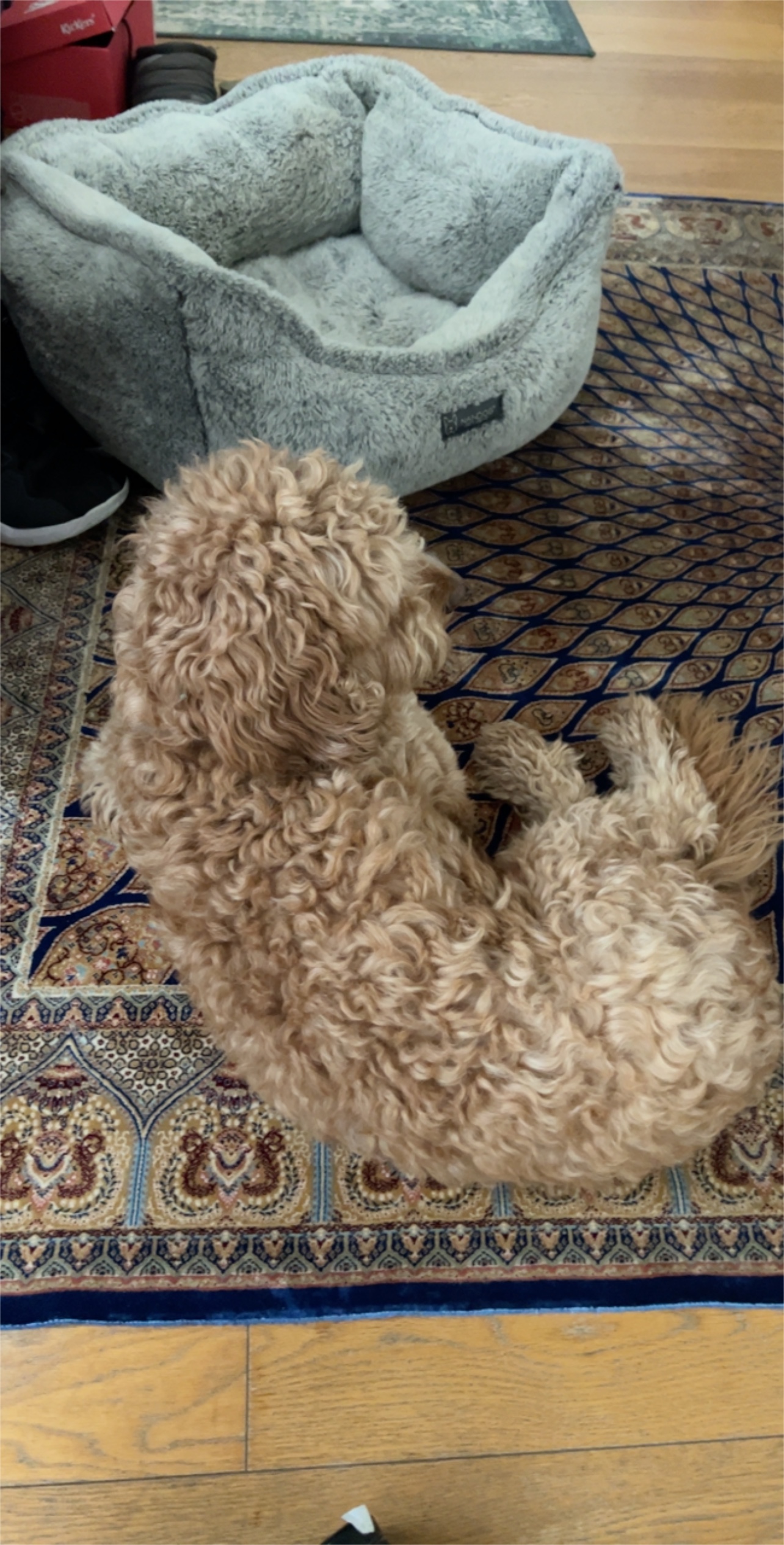
Start with the real scene.
Hold the camera steady over fur, bedding, collars, paws, ears, and the places ticks like to hide.
02
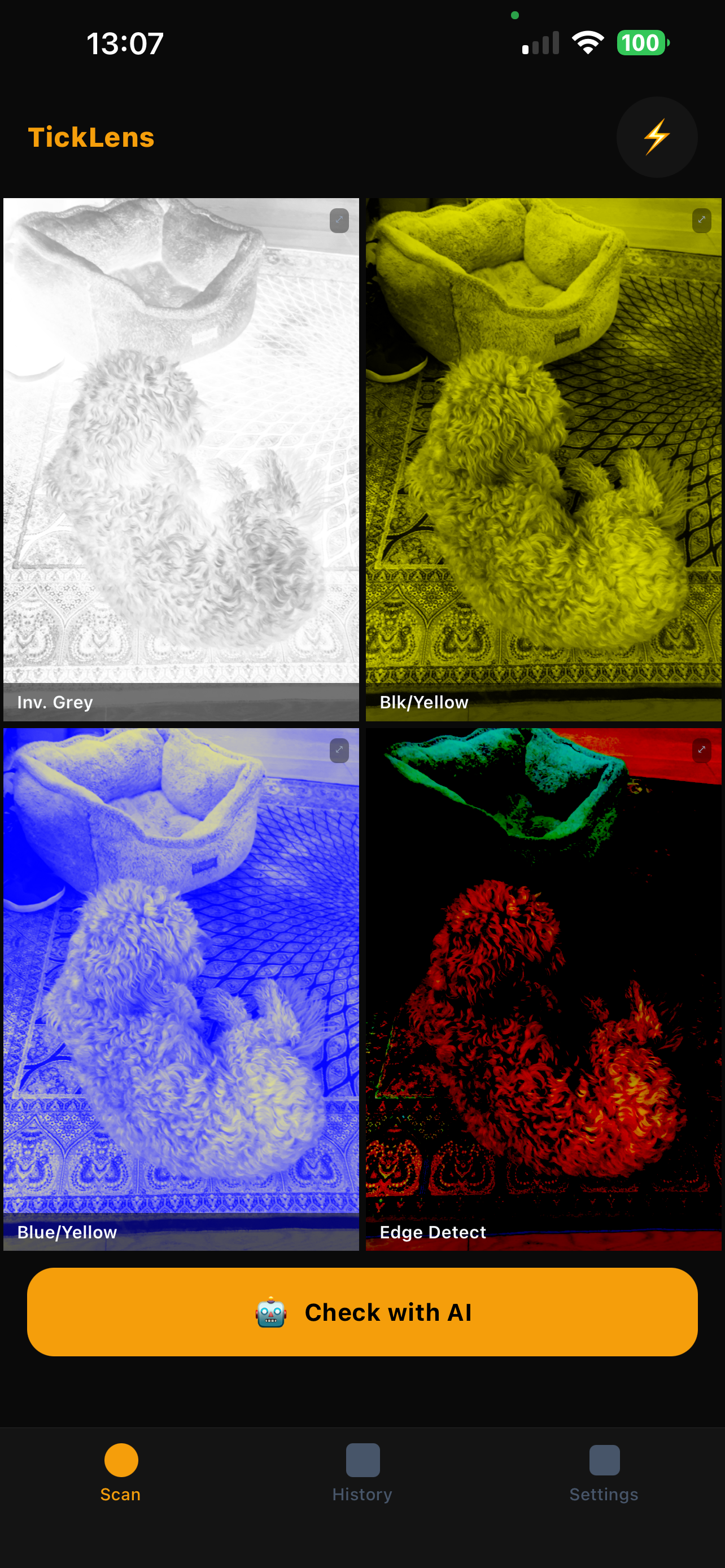
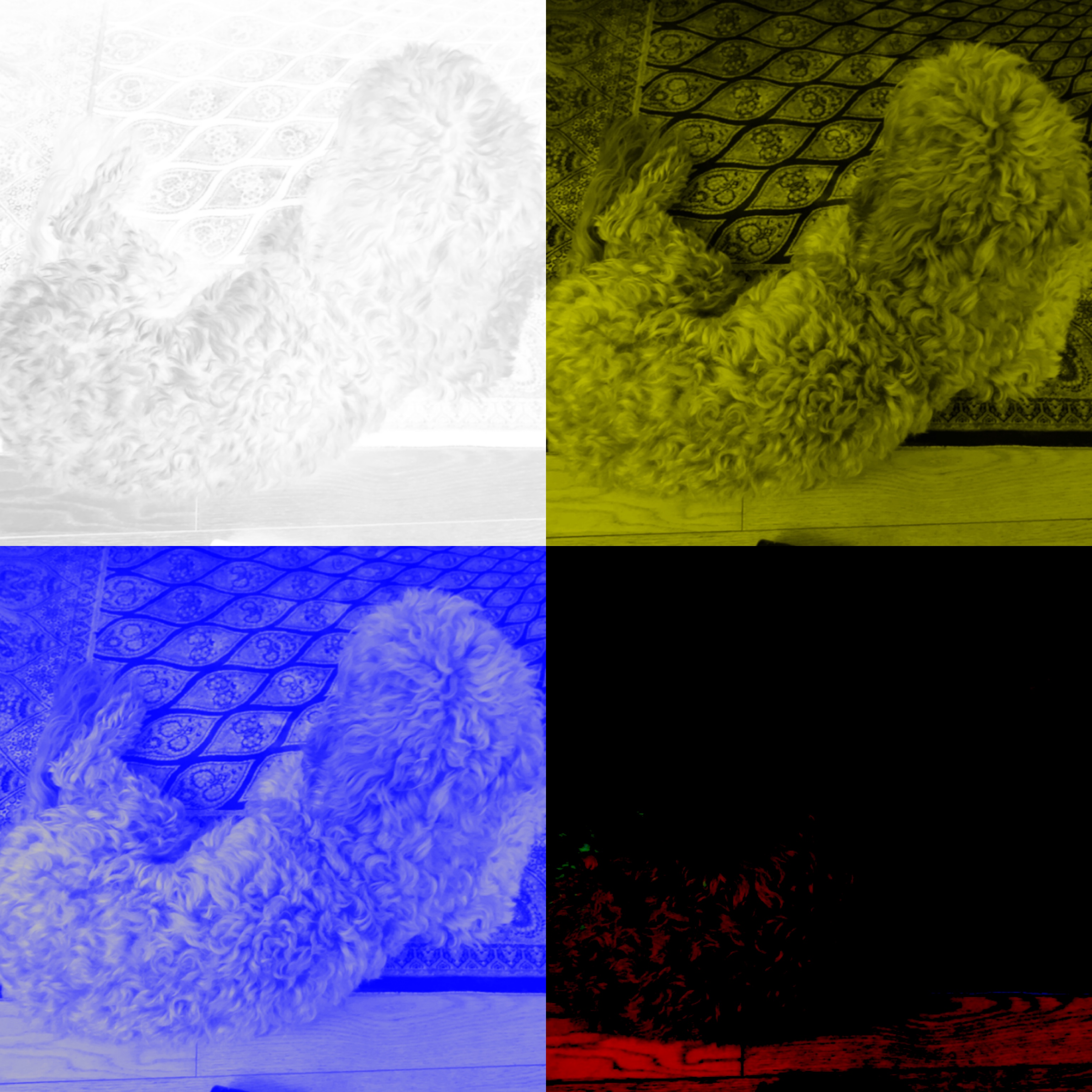
Compare contrast filters.
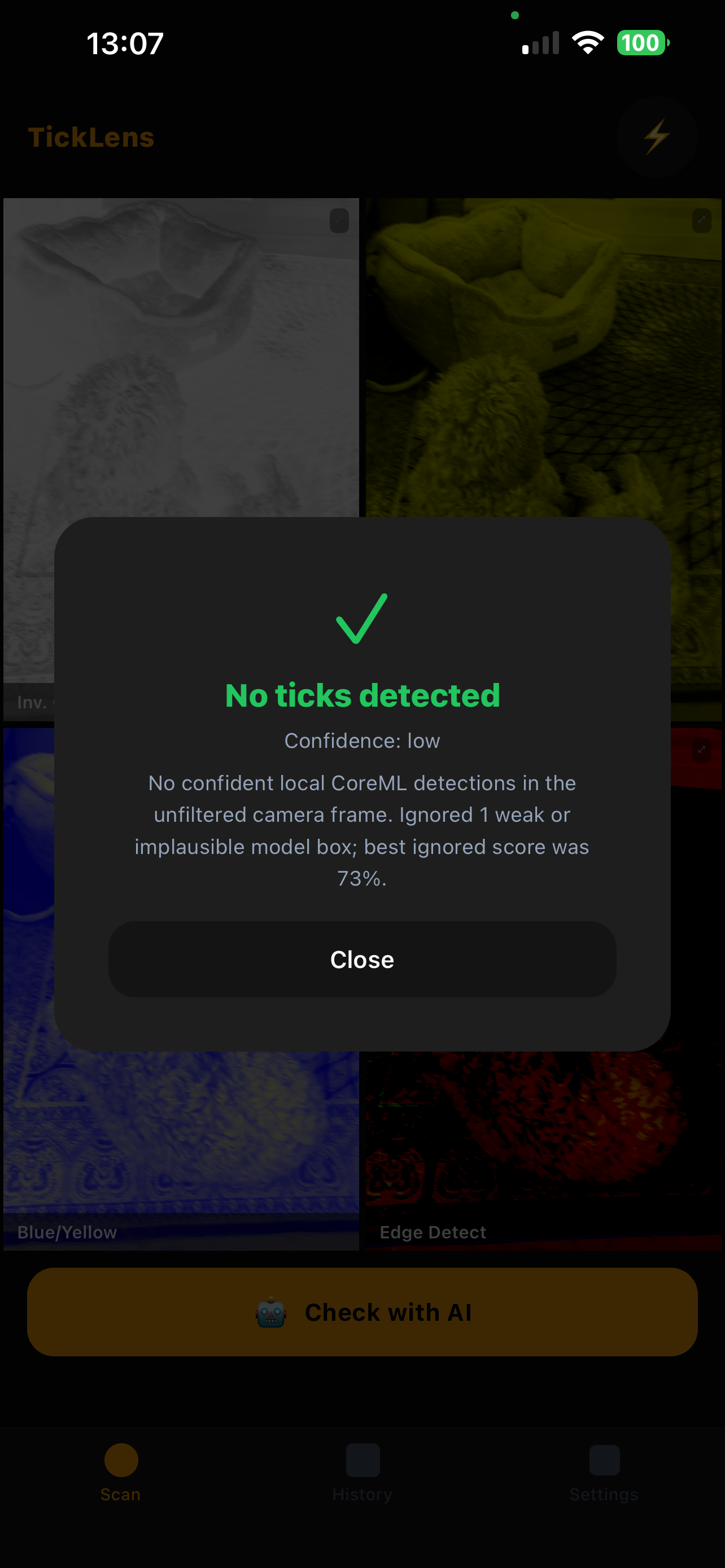
Black on Yellow is usually strongest for dark ticks on pale fur. Blue on Yellow separates dark specks. Inverted Grey helps with pale backgrounds. Edge Detect is useful for outlines but can be noisy.
03
Use the grid as a guide.
The grid helps you decide where to inspect next. A possible AI result should send you into a single filter, zoomed in, not end the check.
04
Review with caution.
Uncertain results are treated as “review manually,” not “detected.” If you find a tick, remove it safely and contact a vet if symptoms or irritation appear.
AI, with limits
Helpful, still learning, never a diagnosis.
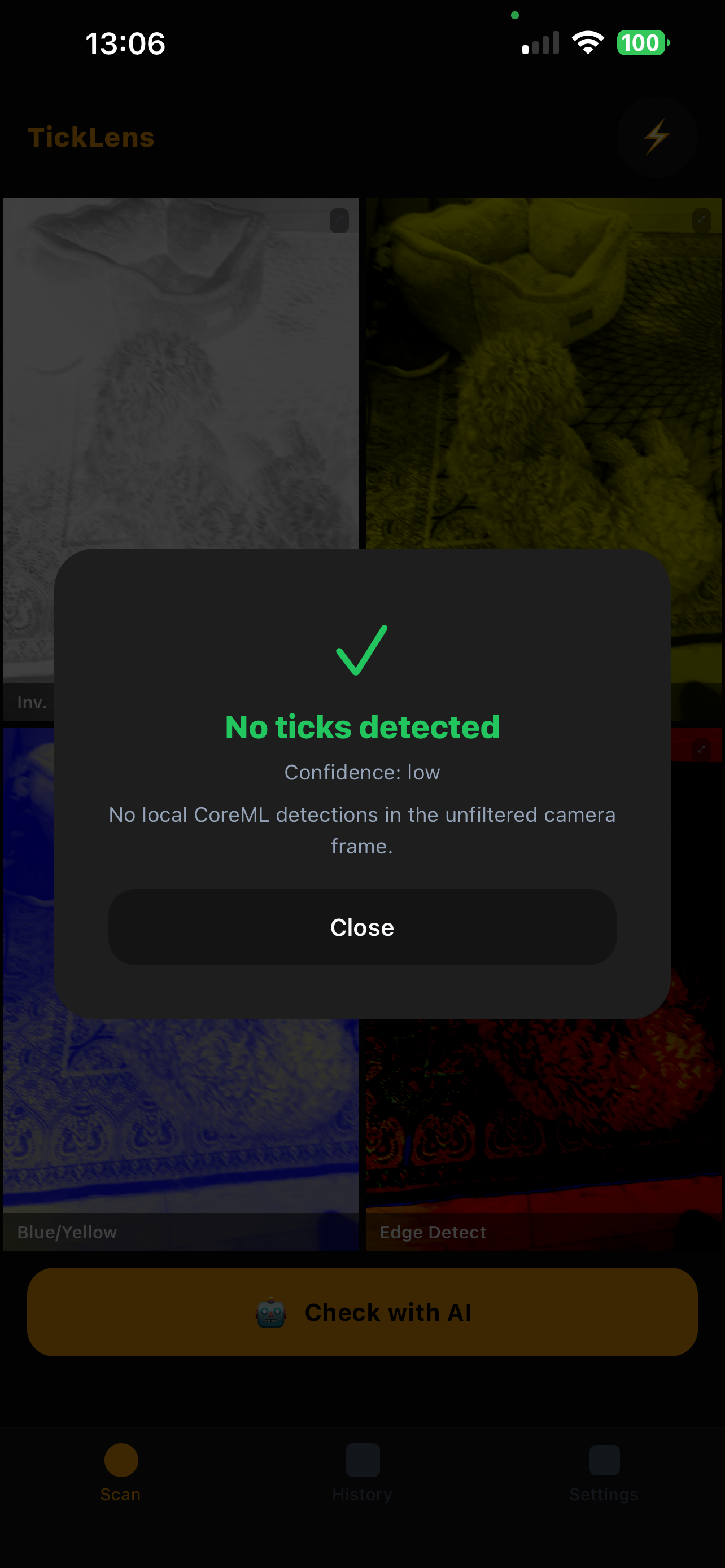
The model has seen many examples, but hard negatives matter: curls, blankets, rugs, beds, skin marks, lint, seams, shadows, carpet patterns, toy parts, and tiny debris. TickLens is deliberately cautious and asks you to inspect possible findings manually.
We are preparing an opt-in image contribution workflow so people can share labelled examples intentionally. Those images would be stored separately, reviewed, and used only to improve future model training.
Privacy
Built for sensitive pet photos.
Camera
Used while the scanner is open.
Photos
Saved scans remain in Apple Photos and local history.
AI
Runs on device with the bundled CoreML model.
Training
No scan is used for training unless you explicitly opt in.
Available on iPhone